Turn an Arabic Greeting, Dua, or Phrase Into a Card
Start from a phrase in the library rather than typing — insert it, build it up if you want, and send it as a card in a handful of taps.
If what you want to send is a greeting or a dua that already exists, typing it is the long way round. Insert it from the phrase library instead — the spelling is the reviewed one, and it takes one tap.
The whole route from phrase to finished card is about five taps.
The short version
- Open the Arabic keyboard and expand Insert Greetings & Phrases.
- Find your phrase — search by meaning, occasion, or spelling.
- Insert it into the editor.
- Click Create card.
- Pick a design, then Download.
That is it. Everything below is what to do when you want more than the default.
Why insert rather than type
Two reasons, and the first is the important one.
The spelling is right. Library phrases are written the way a native writer would write them, with the hamza forms and the tanwin where they belong. Retyping a phrase means reproducing all of that yourself, and a card is exactly where a small spelling slip is most visible.
It is faster. Searching eid is quicker than working out the keys for عيد مبارك — and the search is forgiving about how you spell your query. See searching phrases by occasion or meaning.
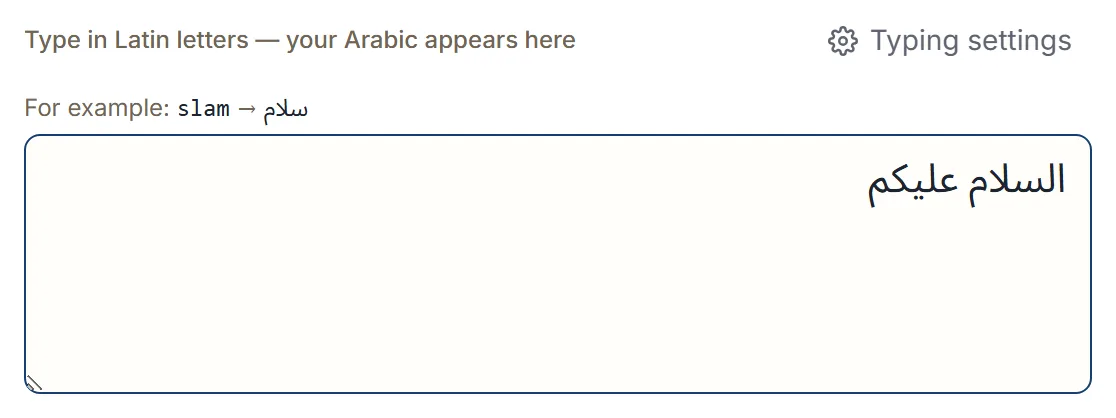
If you do want to type your own words, that works exactly the same way — the card takes whatever is in the box.
Making it more than one line
A single phrase makes a clean card. Often you want two: a greeting and a wish.
Use + Message instead of Insert, stack the phrases, choose how they join, and insert the finished line. Where the phrase you added has curated continuations — the Ramadan and Eid greetings especially — Suggested next offers them, so the pairing is curated rather than guessed. Building a message from ready phrases covers it properly.
Shapes that work well on a card:
- السلام عليكم → عيد مبارك
- عيد مبارك → كل عام وأنتم بخير
- جمعة مباركة on its own
Keep it short. A card is read at a glance, and two phrases is usually the most that looks right.
Adding your own words to a phrase
The inserted Arabic is ordinary text, so you can edit around it — add a name, add a line of your own, put your phrase at the end of a sentence you wrote.
Inserting places the phrase cleanly against what is already there, with a single space where one is needed, so phrases never run together into one word.
Choosing a design for a dua
Duas and religious greetings suit the Islamic occasions group — Eid, Ramadan, Jumuah, Mosque, Pilgrimage, Noor, Reflection, Calligraphy. Calligraphy and Noor are quiet and work for reflective text; Eid and Ramadan are for those occasions specifically.
Where a message is serious, choose the plainer design. Choosing a card design has the full mapping.
Phrases and customs vary by region and community, so choose wording that feels right for your context — and note that the card maker does not classify, verify, or endorse what you write, or pick an occasion for you. Every choice is yours.
Sending it
Download saves the image as a PNG. Where your browser can share files, Share hands it to your device’s share sheet instead.
The filename carries the site name and the date, never your message or the design you chose.
Next step
Open the phrase library, find a phrase for the next occasion you are writing for, and insert it. From there, Create card and the default design give you something sendable before you change a thing.